I enjoyed setting up a FreeBSD workstation, installing OpenOCD, compiling stlink, making the required settings for USB to be accessed by a normal user, Installing Lazarus and compiling VPC – everything worked just fine.
Regarding the toolchain, in FreeBSD repository is available an older one, without newlib – you have to copy the c-lib and rename it. But the way is installed onto the FreeBSD system, it can’t be used because the paths are messed-up so I had to copy the toolchain on gcc-arm folder in home, restoring the original folder structure. And only then I had a successful compilation. Unfortunately, programs that use math.h are not compiling (the project with the LUX sensor). Everything else works but the size of the compiled firmware is approximately 300 bytes bigger because of the missing newlib library and the poor performance of the older compiler. But I still like the alternative.
Should have worked to finish the lqfp64 setup in VPC but my health is bad right now and I can’t spend too much on the screen, programming… Next time…
UPDATE March 17 – Solving the problems in FreeBSD:
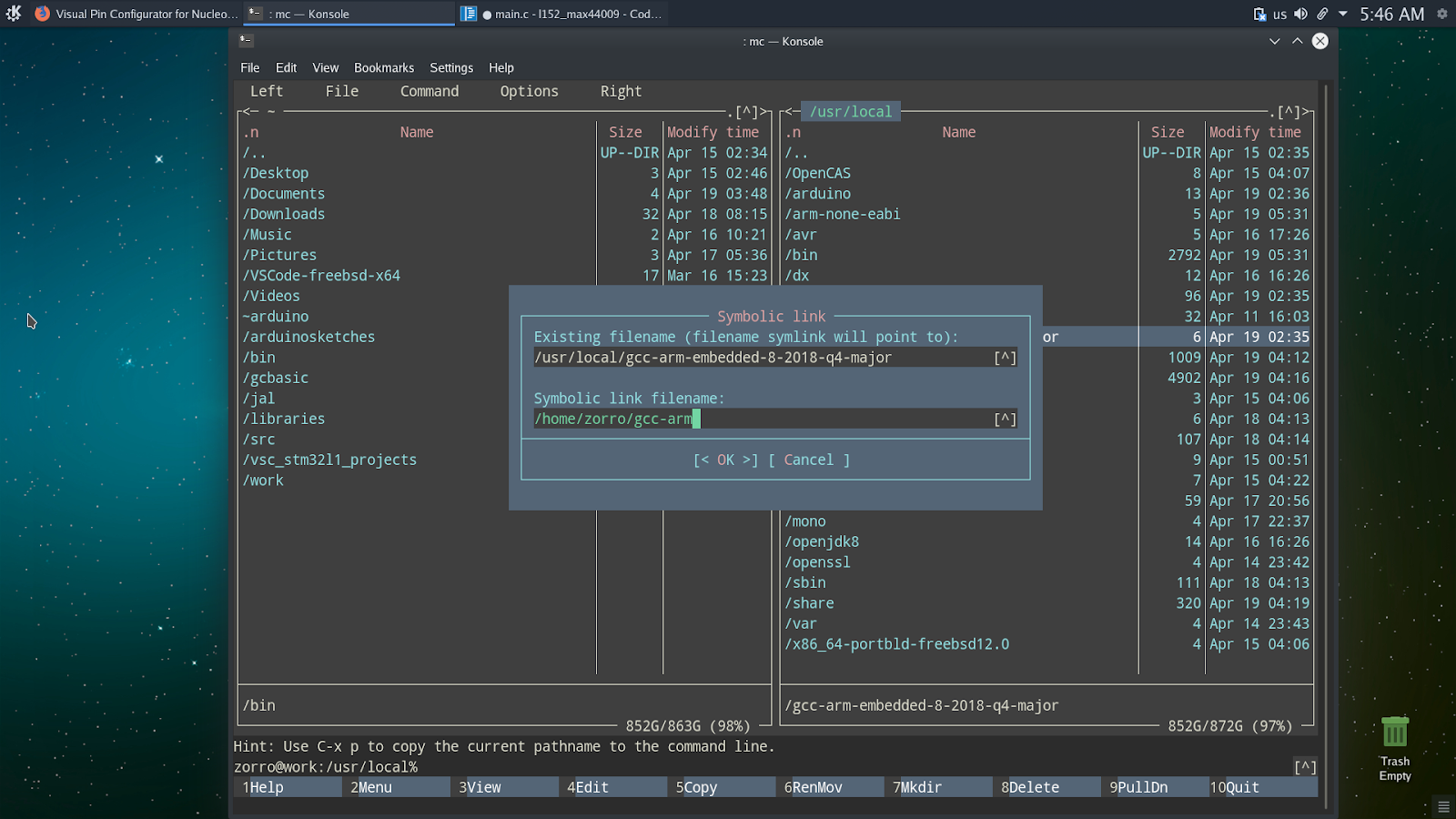
1. gcc-arm toolchain: all you have to do, is to install the “gcc-arm-embedded” package and make a simlink in your home folder as in image bellow:
2. Lazarus: it won’t compile your application (or VPC) if the sources of freepascal compiler are not installed. And they are not, on FreeBSD 😦 – so you have to download the required package from sourceforge, unpack it in your home folder and then point the Lazarus IDE in the right direction.
3. make: In FreeBSD you have to install gmake (you’ll need it also when compiling stlink) with:
and use that instead of make (it differs on UNIX) – also, watch out for the “tasks.json” file on every project (.vscode hidden folder), where there make is used: change it to gmake until I’ll include a proper option in VPC program.
4. There is a Visual Studio Code prepared for FreeBSD, install all the dependencies and you can have it running so you can edit, compile, flash and debug your Nucleo projects. Details [-=here=-]. Of course it is assumed that you already compiled stlink and installed it on your system and also installed the OpenOCD from the FreeBSD packages.
 VPC - Visual Pin Configurator